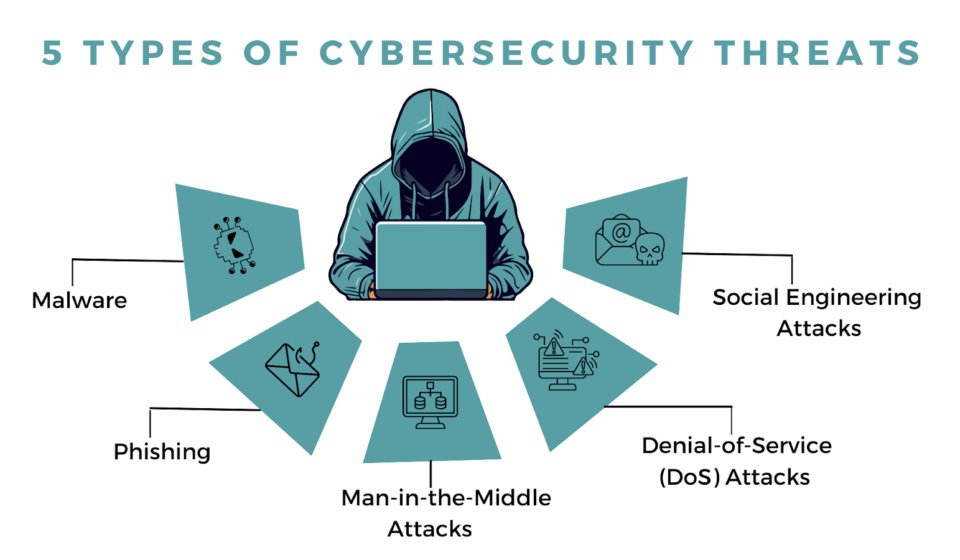

Introduction In 2026, cyber-attacks are no longer just “hacker” movies; they are a daily reality. Hackers are now using AI to create personalized phishing attacks and “social engineering” scams. Protecting yourself is no longer optional—it is a digital survival skill.
1. Move Beyond Passwords: Use Passkeys Passwords are weak. In 2026, you should switch to Passkeys wherever possible. Passkeys use your phone’s biometrics (Face ID or Fingerprint) to log you in. They cannot be stolen in a data breach.
2. The Power of MFA (Multi-Factor Authentication) If a site doesn’t support passkeys, always enable MFA. Use an app like Google Authenticator or a physical YubiKey rather than SMS codes, as hackers can now “swap” your SIM card to steal your texts.
3. Beware of “AI-Phishing” Modern phishing emails look perfect. They use AI to mimic the tone of your boss or your bank. The Golden Rule: Never click a link in an email or text. If your bank “messages” you, go directly to their official website or app to check.
4. Update Everything, Automatically Hackers look for “holes” in old software. When your phone or laptop says an update is ready, install it immediately. Better yet, turn on “Automatic Updates.”
5. Use a VPN on Public Wi-Fi If you are working at a cafe, use a VPN (Virtual Private Network). This encrypts your data so that other people on the same Wi-Fi can’t “sniff” your passwords or credit card numbers.